

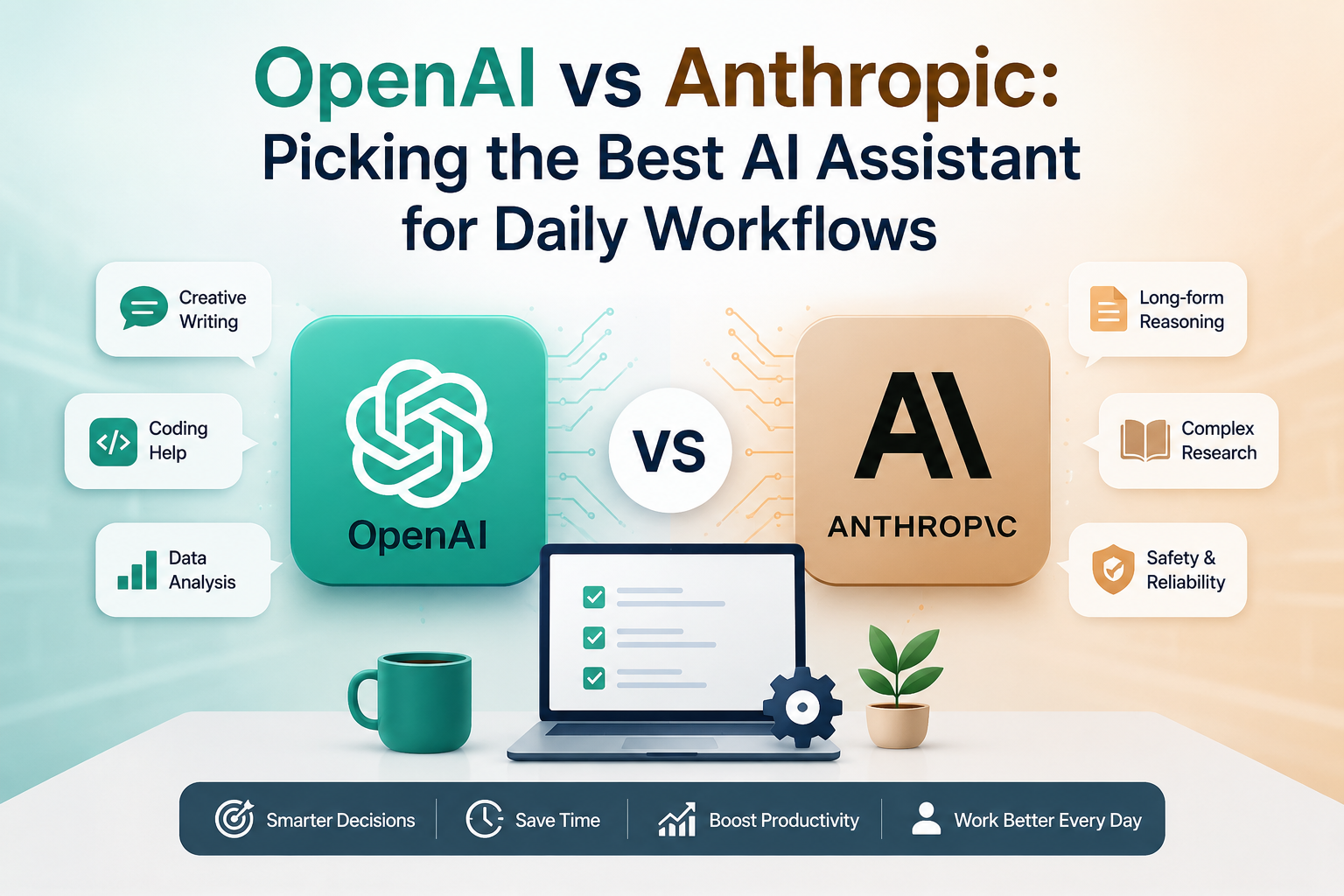
Picking the Best AI Assistant for Daily Workflows
Choosing between ChatGPT and Claude can slow down your entire workday. You open a browser tab, stare at the blank text box, and wonder if OpenAI or Anthropic will handle your specific task better. Picking the wrong assistant means wasted time fixing bad code, rewriting stiff paragraphs, or hitting rigid token limits on long documents. Small differences in model design dictate how well these tools fit your daily coding, writing, and research tasks. This direct comparison looks at architecture, performance benchmarks, user interfaces, and costs to show you where each tool wins.
OpenAI and Anthropic Core Philosophies
OpenAI Safety and Alignment Approach : Picking the Best AI Assistant for Daily Workflows
OpenAI trains its models using Reinforcement Learning from Human Feedback, or RLHF. Human contractors rank model outputs, and the system learns which answers people prefer. This method helps the model match human intent and produce helpful text.
OpenAI balances raw capability with safety guardrails by using automated classifiers alongside human review. You get fast, direct answers to tough questions, but the system still blocks harmful prompts. This focus keeps the model flexible across many different topics and rank among Best AI Assistant .
Anthropic Constitutional AI Framework
Anthropic uses a different method called Constitutional AI to guide its models. Instead of relying only on human feedback, the system checks its own work against a set of written rules and principles. These rules cover ethics, helpfulness, and harmlessness.
This framework changes how Claude talks to you. The model tends to have lower refusal rates on borderline topics and avoids a preachy tone. It aims to be direct and helpful while sticking to its core rules without constant human intervention.
Context Window Capacities and Retrieval
Context windows decide how much data you can feed an AI at one time. GPT-4o handles up to 128,000 tokens, which covers roughly 300 pages of text. Claude 3.5 Sonnet pushes that limit up to 200,000 tokens, letting you drop in entire code directories or dense academic papers.
Processing a 100-page PDF changes how you do research. You can ask Claude to cross-reference multiple chapters, pull specific data points, and summarize core themes in seconds. ChatGPT handles large files well too, but Claude often keeps track of fine details across massive text blocks with fewer memory lapses.
Performance Benchmarks Across Core Use Cases
Coding and Software Development Capabilities
Both models score high as Best AI Assistant on coding benchmarks like HumanEval and SWE-bench, but they handle daily software tasks differently. ChatGPT uses Advanced Data Analysis to run Python code inside a secure sandbox. You can upload CSV files, clean data, and generate charts right in the chat window.
Claude uses a feature called Artifacts for front-end development. When you ask for a web component or a game, Claude renders a live preview of the code on the side of your screen. You can test buttons, check layouts, and copy working code instantly.
Creative Writing and Tone Nuance
Writers often favor Claude for its natural prose style. GPT models can sound robotic or rely on predictable phrasing unless you write very specific prompt constraints. Claude writes with varied sentence structures and avoids common AI buzzwords.
Prompt adherence matters when you generate long-form blog posts or marketing copy. Both models follow instructions well, but Claude sticks to specific tone guidelines without losing its narrative flow. Many content creators keep both tools open because Claude handles long-form writing and tone matching with strong results.
Logical Reasoning and Complex Analysis
Math and logic puzzles test how well an AI thinks through multi-step problems. GPT-4o and Claude 3.5 Sonnet score close to each other on standard reasoning tests. They break down logic problems and show their work step by step.
Hallucinations still happen when models face edge cases they have not seen before. ChatGPT tends to guess when it lacks data, while Claude often stops and states its limits clearly. Both systems improve when you ask them to write out a plan before they give a final answer.
Interface Ecosystems and Developer Tools
ChatGPT Custom GPTs and Voice Mode
The GPT Store lets you find and use custom versions of ChatGPT built for specific tasks. You can use a GPT trained just for legal writing or another built to format data sets. This makes automation simple for non-technical users.
ChatGPT also includes a native Advanced Voice Mode. You can talk to the AI in real time, interrupt it mid-sentence, and ask it to change the tone of its voice. This feature works well for language practice or quick brainstorming sessions while away from your desk.
Claude Projects and Artifacts
Claude Projects lets you group reference files, brand guides, and system prompts into one workspace. You upload your documents once, and every chat inside that project uses them as background knowledge. This setup saves time on repetitive tasks.
Artifacts change how you review code and text components. Instead of digging through long code blocks in the chat stream, you see a clean preview window. You can edit the output directly and watch the changes update in real time.
API Access and Enterprise Deployment
Developers connect to OpenAI and Anthropic through robust APIs. OpenAI offers flexible rate limits and strong integration with third-party tools. Anthropic provides clear pricing and fast response times for heavy API users.
Enterprise teams need strict data privacy and security compliance. Both platforms offer enterprise tiers that promise your data will not be used to train future public models. You can set up single sign-on and manage user roles through standard admin dashboards.
Cost Structure and Subscription Value
Free Tier Limitations and Capabilities
The free tiers give you access to powerful models without any upfront cost. You can chat, upload basic files, and run simple tasks on both platforms.
Throttling rules apply once you hit the usage cap. ChatGPT switches you to a smaller model when you use up your GPT-4o messages. Claude limits how many prompts you can send to Sonnet every few hours before asking you to wait or upgrade.
Professional Tier Pricing and ROI
Both ChatGPT Plus and Claude Pro cost twenty dollars a month for individual users. That price unlocks full access to flagship models, higher message caps, and new features first.
You calculate your return on investment by tracking time saved on administrative tasks. If an AI saves you two hours of writing or coding per week, the subscription pays for itself quickly. Many professionals subscribe to both tools to cover different workflows.
Final Decision Framework for Choosing the Best AI Assistant for Daily Workflows
Choosing OpenAI for Ecosystem and Multimodality
ChatGPT fits users who want a broad toolkit. Pick OpenAI as Best AI Assistant if you need voice interaction, access to custom GPTs from the store, and quick data analysis inside a sandbox. It works best for general tasks that span writing, coding, and casual brainstorming.
Choosing Anthropic for Long-Form Document Analysis and Coding
Claude fits users who deal with large files and web design. Pick Anthropic as your Best AI Assistant if you analyze long PDFs, write complex code with live previews, or need prose that sounds human. It works best for researchers, developers, and writers who want natural tone control.
Conclusion
ChatGPT and Claude serve different parts of the generative AI market. OpenAI focuses on a broad ecosystem with custom tools and voice features, while Anthropic builds strong tools for long documents and clean code rendering. Your choice of Best AiI Assistant depends on the specific tasks you do every day. Try the free tiers on both platforms to see which interface fits your workflow before you buy a monthly subscription and the Best AI Assistant for Daily Workflows.